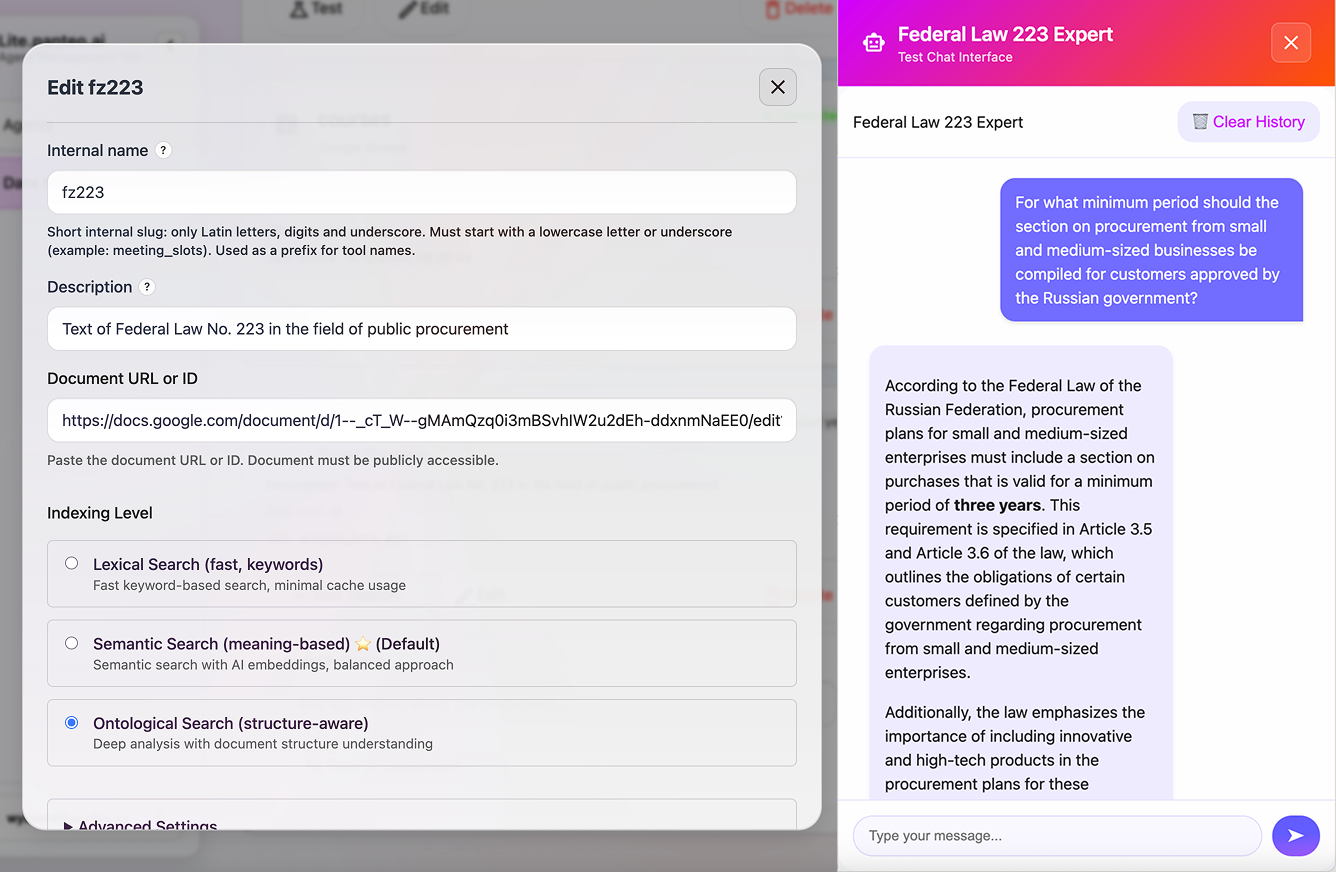
Use Google Docs as a Knowledge Source for AI Agents
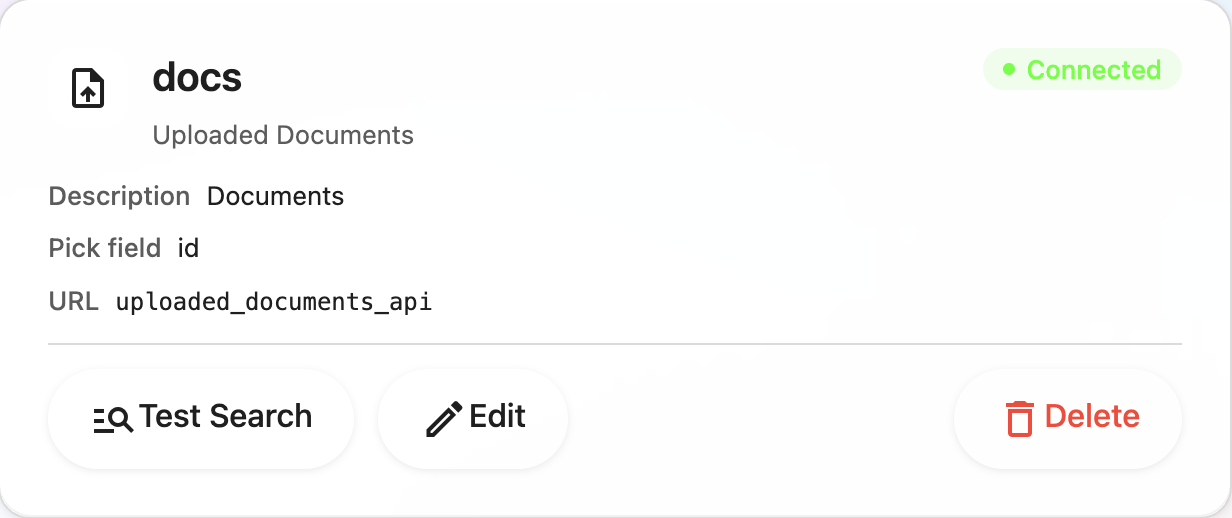
Connect Google Docs to Lite.panteo.ai so your AI agent can answer questions based on instructions, policies, and documents.
New features, practical implementation cases, and guides for Lite.panteo.ai.


Connect Google Docs to Lite.panteo.ai so your AI agent can answer questions based on instructions, policies, and documents.

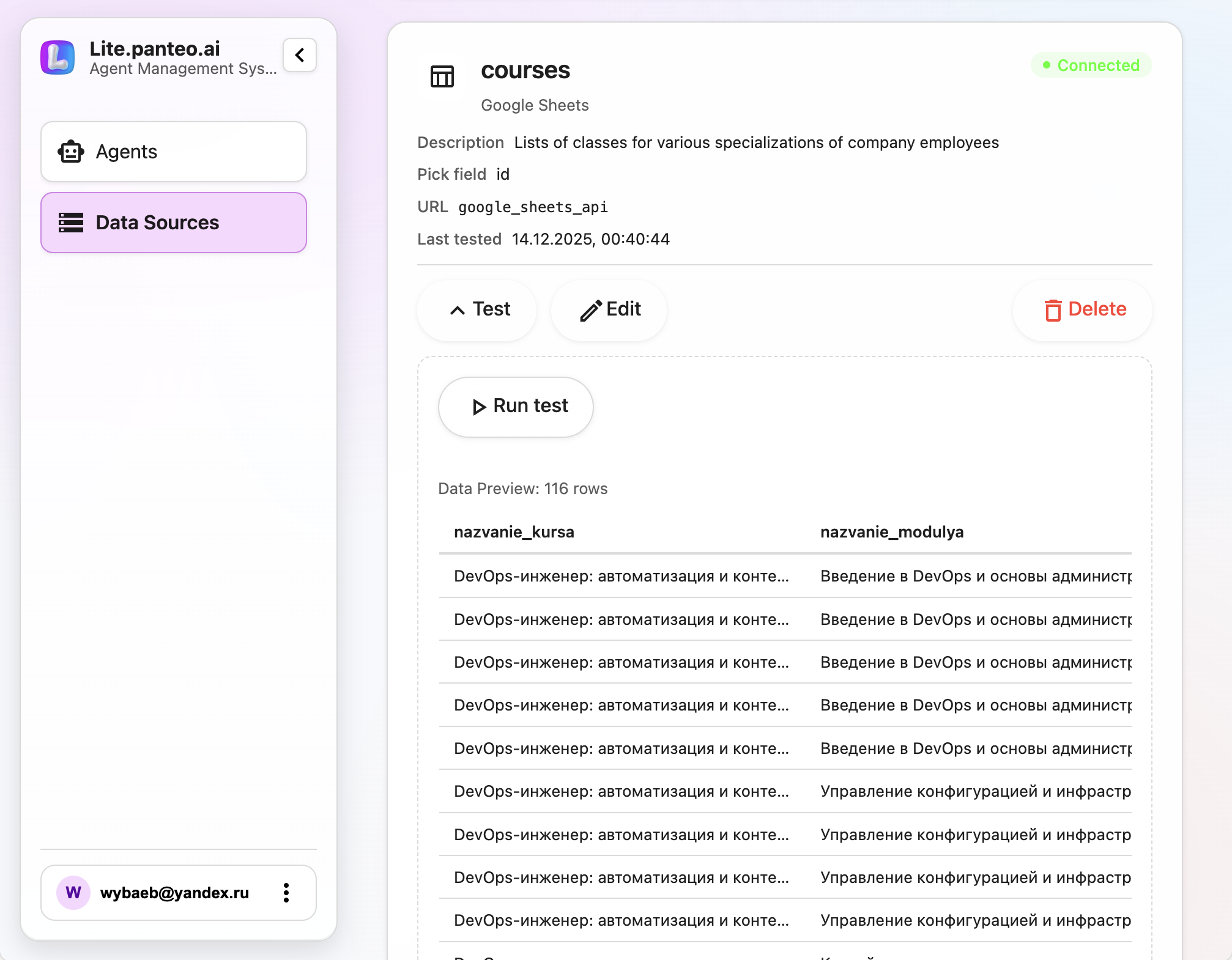
Connect public Google Sheets to your agents for automatic search and structured data storage without coding.

Let your AI agents read free slots from Google Calendar and offer clients real-time options to book a call or visit.

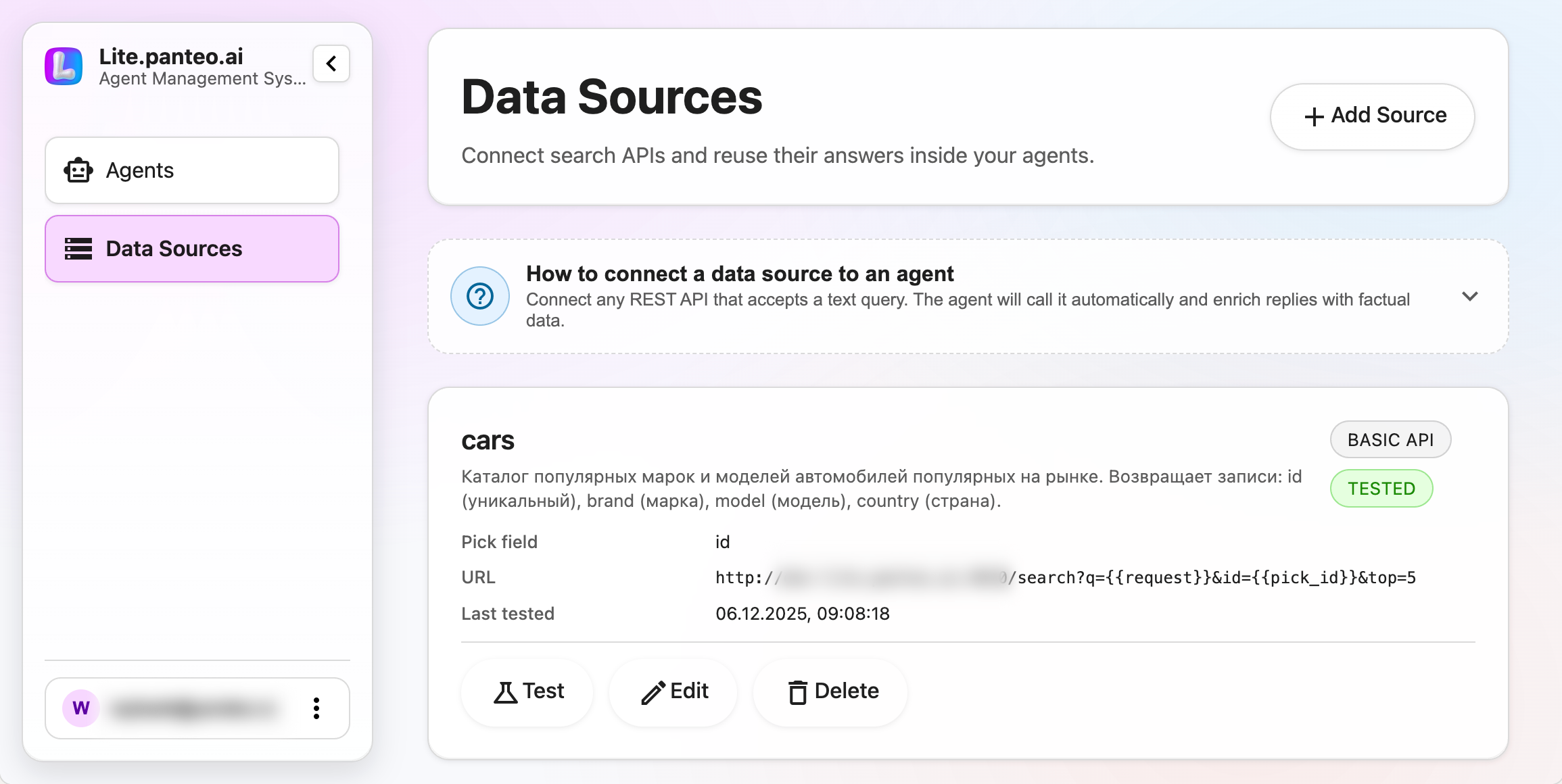
Connect external APIs as searchable data sources and push structured answers into agent responses and databases.

Turn website visitors into qualified leads with a 24/7 AI chat that talks like a human and never loses a contact.

Keep all important answers in one place so your AI agents respond to clients clearly, quickly, and in the same way every time.

See every lead collected by your agents in one place, with statuses, filters, and full conversation history for your sales team.

Automatically send leads from your AI agents to Bitrix24 and other CRMs with proper field mapping and triggers.

Design the exact questions your AI agent asks, from basic contacts to detailed briefs, and collect clean, structured data from every dialog.

Define the role, tone, and topics for your AI assistant so it sells, supports, and advises exactly the way your business needs.

Protect your widget from spam and fraud with CAPTCHA, domain whitelists, and email/phone verification via OTP codes.

Add the Lite.panteo.ai widget to your website with a single HTML snippet and connect Telegram bots without developers.

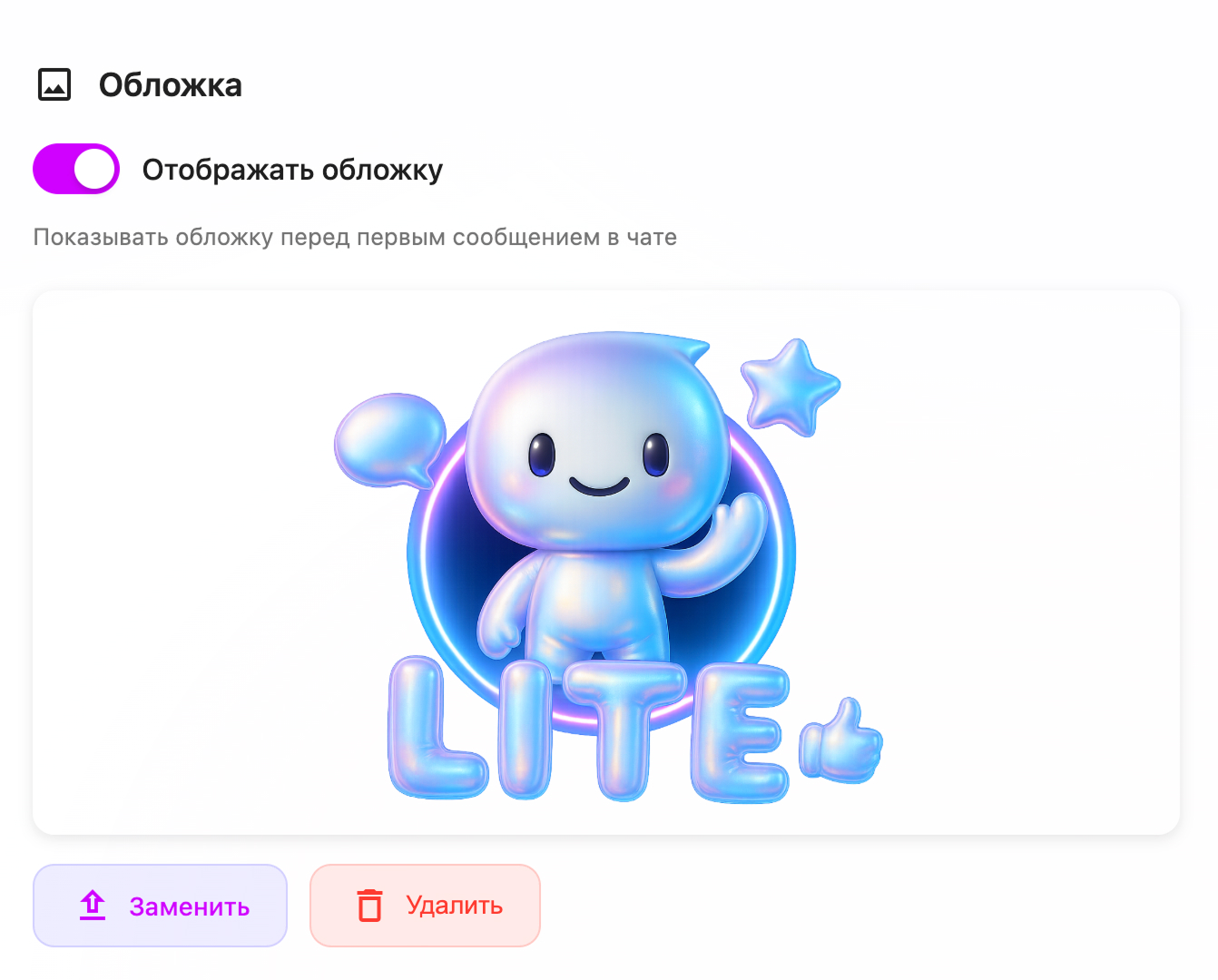
Customize cover image, avatar, labels, and chat style so the widget feels native to your site and increases trust.