
Instant overview
Personalization tools let you align the assistant’s appearance and microcopy with your brand.
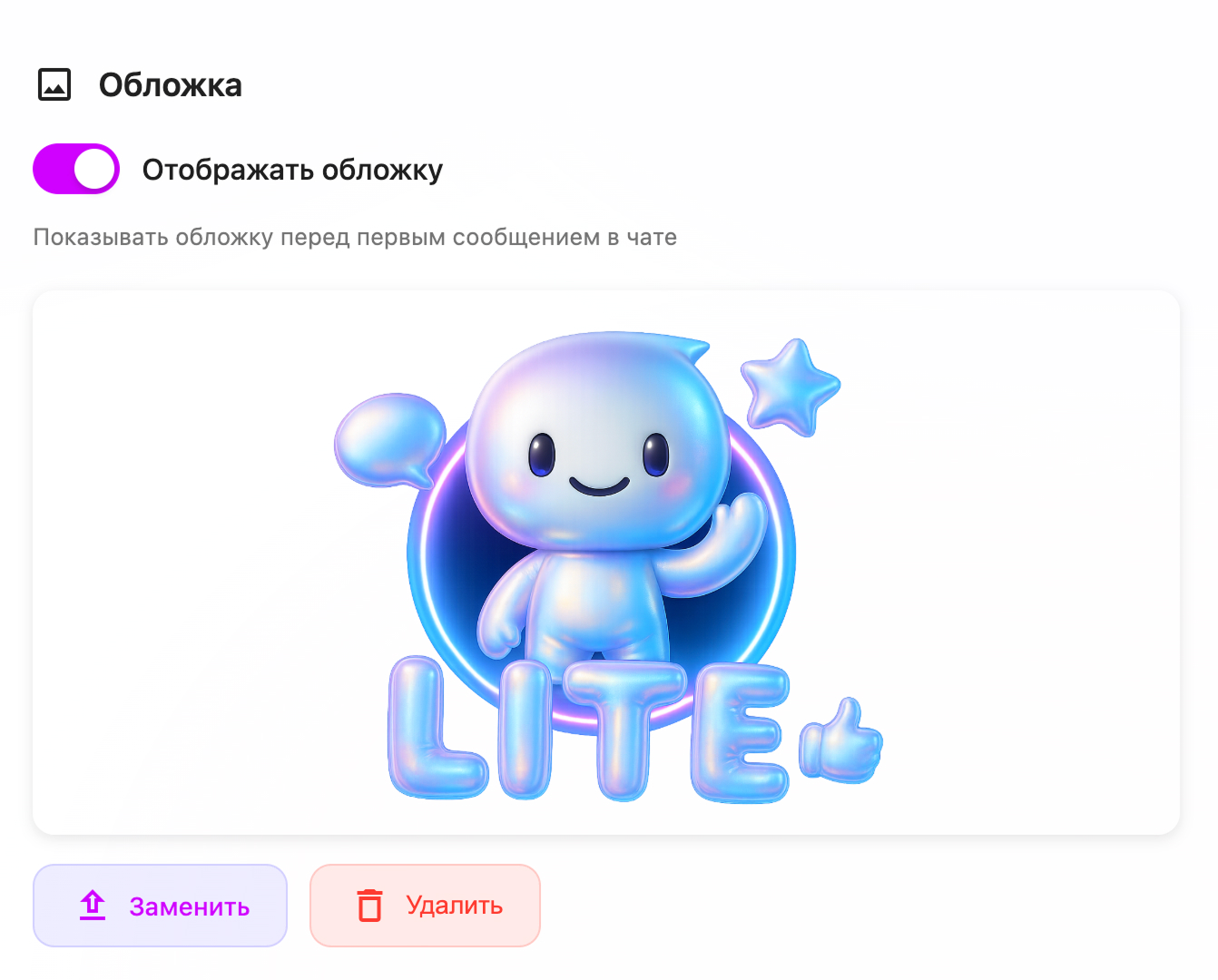
You can change the cover, avatar, button texts, and message labels so the widget looks like a natural part of your website, not a foreign script.
Where it shines
Brand-sensitive businesses
- Design and wording matter when you sell premium products, consulting, or education.
- Example: a design studio uses its own colors, logo, and a minimalistic avatar so the assistant feels like part of the main site concept.
Agencies and white-label projects
- You can quickly adapt the same assistant template to different clients with their own visual identity.
- Example: an agency clones a sales assistant and only changes cover, avatar, and labels to match each client’s brand book.
Increasing trust and engagement
- A familiar visual style and clear labels reduce “banner blindness” and encourage visitors to start a conversation.
- Example: an online bank adds a friendly avatar and a clear call‑to‑action on the cover (“Ask about mortgage options”), increasing chat starts.
How to use it in the UI
-
Open the agent and go to the Appearance / Personalization section.
-
Upload a cover image that matches your landing or main campaign visuals (for example, your flagship product or team photo).
-
Set the agent avatar — logo, character, or icon that will appear next to messages in the chat.

-
Adjust labels and texts: welcome message, button text, hints in the input field, and system messages so they match your tone of voice.
-
Check the widget on mobile and desktop, making sure the design looks good on all screen sizes.
-
Run a short experiment: compare engagement and conversion before and after personalization using your analytics.
Related articles
- Make sure the assistant actually behaves like your brand, not just looks like it, with AI behavior configuration: make the assistant speak in your voice.
- Connect the personalized widget to your website and Telegram via Easy integration: embed the widget and Telegram bot in minutes.
- See how personalized chat turns visitors into leads in Intelligent customer chat for Lite.panteo.ai agents.